





Index
Introduction
You just updated your iPhone to the latest iOS. You expect CarPlay to be faster, sharper, and smoother. Instead, it crashes, lags, or disconnects while you’re driving down I‑93.
Frustrating? Absolutely. But before blaming your phone—or buying your fifth Lightning cable—there’s something most drivers don’t realize: CarPlay is a two‑way conversation.
Your iPhone is now speaking a modern digital language with the latest iOS. If your vehicle’s radio is still running software from three years ago, it simply can’t keep up.
Updating CarPlay isn’t just about your phone. It also requires making sure your vehicle’s head unit firmware—the “brain” of the system—is current and compatible with Apple’s newest features.
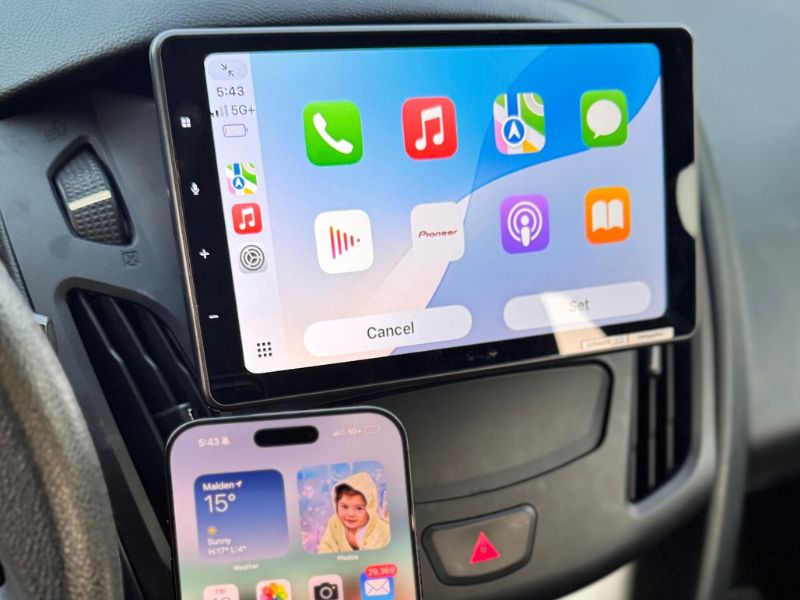
At Pro Car Sound & Security, we specialize in the part of the update process most people miss: head unit firmware updates. Whether you’re using a factory screen or a premium Pioneer system, we ensure the digital handshake between your phone and your car is seamless, stable, and reliable—every time you drive.
The “Firmware Gap”: Why Your Screen Freezes
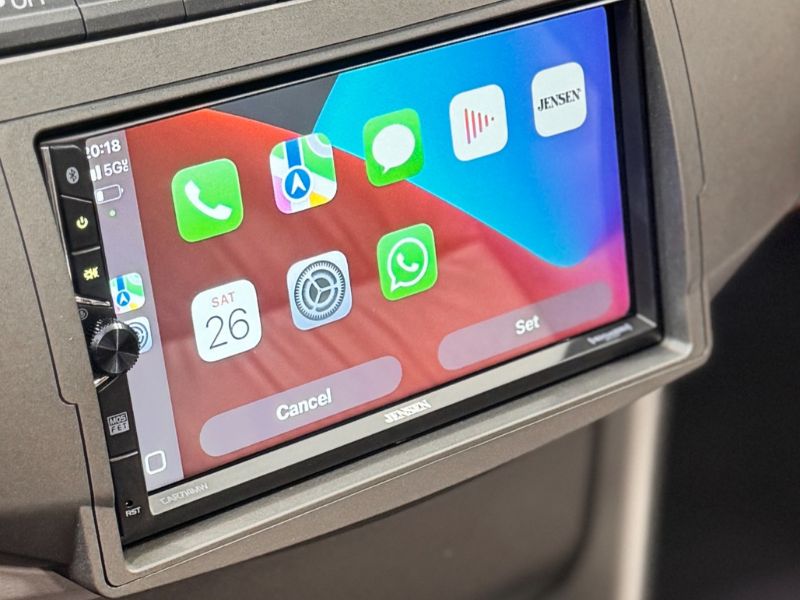
CarPlay runs entirely on your iPhone, but it depends on your vehicle’s infotainment system to display and manage that data.
The Problem
Apple updates iOS frequently. Vehicle manufacturers update radio firmware far less often. Over time, this creates a compatibility gap.
The Symptoms
- music stuttering
- maps freezing
- black screens during phone calls
The Fix
The solution is a firmware update on the radio unit itself—not just on your phone.
This isn’t as simple as pressing a button. It requires:
- downloading model‑specific firmware from manufacturers like Kenwood, Pioneer, or Jensen
- loading it onto a correctly formatted USB drive
- accessing the radio’s developer or service mode to safely apply the update
When done properly, a firmware update restores stability and ensures your CarPlay system keeps pace with the latest iOS features.
Updating CarPlay through iOS updates
CarPlay runs entirely through your iPhone, so keeping iOS updated is the primary way to update CarPlay. When Apple releases a new iOS version, it includes all the latest CarPlay features and bug fixes.
To update iOS, open Settings on your iPhone and tap General, then Software Update. If an update is available, download and install it while your phone is connected to Wi-Fi and has sufficient battery life. Back up your data before starting the update process.
Each iOS update can bring new CarPlay capabilities, improved performance, and fixes for connection problems. Your iPhone handles all the processing, while your vehicle’s screen displays what your phone sends to it. This means updating your phone automatically updates CarPlay functionality.
However, professional installation of compatible head units ensures these updates work correctly. We install systems that work seamlessly with iOS updates, including models like the Pioneer DMH-WT8600NEX and Kenwood DMX1037S.
Ensuring CarPlay compatibility with your vehicle
Not all vehicles support Apple CarPlay natively, and compatibility depends on your infotainment system’s hardware and software. Checking compatibility before attempting updates prevents frustration and wasted time.
Wireless CarPlay requires specific hardware that supports this feature. Many aftermarket head units offer wireless CarPlay, while older or factory systems may only support wired connections. The Pioneer AVIC-W8600NEX and Kenwood DMX9708S provide reliable wireless CarPlay connectivity when installed correctly.
Professional installation guarantees proper compatibility testing. We verify that your vehicle’s electrical system, dashboard configuration, and existing components work with new CarPlay-enabled units. Incorrect installation can damage your vehicle’s electronics or create persistent connection issues.
Factory infotainment systems may have limited update options compared to aftermarket units. If your vehicle lacks CarPlay support, professional replacement with compatible systems like the Jensen CAR714MW or 4X4 INAV INFOTAINMENT provides full functionality. We stock units specifically chosen for reliable performance and easy integration with various vehicle models.
The Danger of DIY Updates: Don’t “Brick” Your Radio
We see this all the time: a customer attempts a radio firmware update using a forum tutorial. The USB drive disconnects halfway through, a file is corrupted, or battery voltage drops during the process.
The Result
The radio becomes a brick. It won’t power on. The screen stays black—and the repair cost is significant.
Why Professional Firmware Updates Matter
Stable power
We use industrial‑grade power supplies during updates so voltage never dips—one of the fastest ways to permanently damage a radio.
Correct firmware files
We access manufacturer and dealer‑level firmware portals to ensure the update matches your exact model and serial number.
Hardware verification
Sometimes the problem isn’t software at all. It’s a worn USB port. We test physical data connections with certified diagnostic tools before updating.
If you’re running premium units like the Pioneer DMH‑WT8600NEX or Kenwood DMX1037S, regular professional firmware updates are essential to keep features like Wireless CarPlay fast, stable, and lag‑free.
When it comes to firmware, guessing can be expensive. Professional updates protect your investment.
Reconnecting and troubleshooting common CarPlay issues
Connection problems often occur after iOS updates or when switching between wired and wireless modes. Professional troubleshooting identifies root causes rather than temporary fixes.
Common connection issues include:
- iPhone not recognizing the vehicle.
- CarPlay disconnecting randomly.
- Audio or navigation not working.
- Bluetooth pairing failures.
- USB port recognition problems.
Start by forgetting the vehicle in your iPhone’s Bluetooth settings and removing your phone from the infotainment system. Restart both devices before attempting to reconnect. Check that your Lightning cable is Apple-certified if using wired CarPlay.
Wireless CarPlay requires strong Bluetooth and WiFi connections. Physical obstructions, interference from other devices, or weak signals cause disconnections. Professional installations position antennas and components optimally to maintain stable connections.
If basic troubleshooting fails, the issue may involve hardware compatibility or system configuration. We diagnose these problems accurately and implement permanent solutions. Our experience with units like the Pioneer DMH-W2770NEX and Pioneer DMH-WT3800NEX means we understand specific quirks and requirements for each model.
Attempting DIY fixes on complex infotainment systems risks voiding warranties or causing additional damage. Professional service protects your investment and ensures reliable CarPlay performance.
Latest features and improvements after updating CarPlay
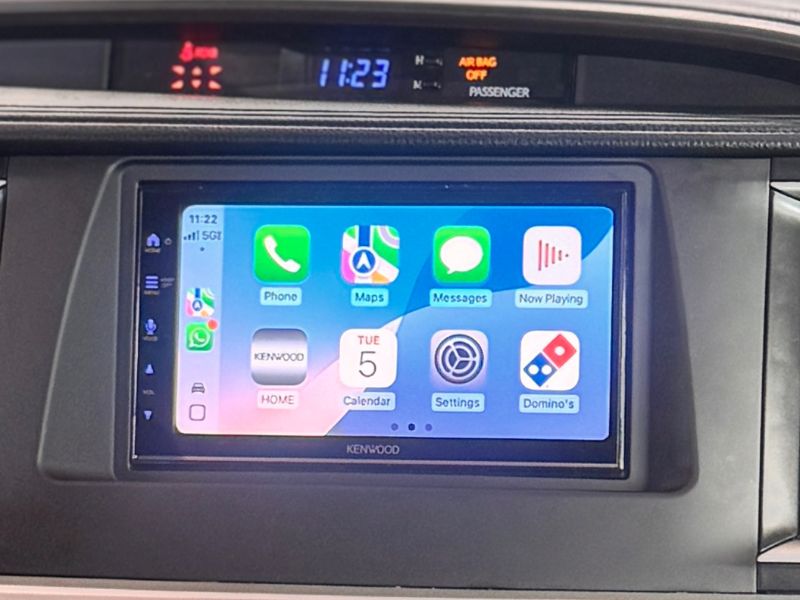
iOS 26 brings major updates to CarPlay that improve how you interact with your vehicle’s display. The changes include a redesigned interface, new app capabilities, and stronger security measures.
The “Cable” Culprit — and Wireless Freedom
If your firmware is up to date but CarPlay still disconnects when you hit a pothole, the issue is physical, not software.
The Real Cause
Nearly 90% of intermittent CarPlay failures are caused by bad cables.
The trap: Cheap gas‑station Lightning cables lack the data shielding required for CarPlay’s high‑speed communication. They charge your phone—but can’t reliably transfer data.
The Fix
We stock certified, high‑bandwidth cables designed specifically for CarPlay stability.
The Better Solution: Go Wireless
If you’re tired of plugging in every time you get in the car, it may be time to eliminate the cable entirely.
The Upgrade
We can replace an aging factory radio with modern units like the Kenwood DMX9708S or Pioneer DMH‑WT8600NEX, both of which support Wireless CarPlay.
The Result
- Your phone stays in your pocket
- CarPlay launches automatically when you start the car
- No cables to fail
- No wear and tear on your charging port
Just seamless connectivity—every drive.
New and enhanced CarPlay features
Messages, Phone, and Maps received significant upgrades in this update. Announce Messages with Siri now works better with third-party messaging apps beyond just iMessage.
Key Feature Updates:
- Maps: Real-time traffic updates appear faster with more detailed route information.
- Phone: Improved call quality and easier contact access.
- Siri: Better voice recognition even in noisy vehicle environments.
- App Compatibility: More third-party apps now integrate with the CarPlay interface.
Driving Focus mode got enhanced to reduce distractions more effectively. The feature automatically activates when CarPlay connects and limits notifications to essential alerts only.
CarKey functionality expanded to support additional vehicle models. You can now unlock and start compatible cars directly through your iPhone connected to CarPlay.
The CarPlay settings menu includes new customization options. You can adjust display preferences, notification settings, and app arrangements directly from your vehicle’s screen.
iOS 26 Features: Is Your Hardware Ready?
The latest iOS updates bring powerful new CarPlay features—multi‑screen dashboard layouts, EV routing maps, and high‑definition album art.
The Hard Truth
Many older infotainment systems—even models from 2020—simply don’t have the processing power or RAM to run these features smoothly. If your screen now feels sluggish, laggy, or pixelated, no software update will fix it.
The Solution
It’s time for a hardware refresh.
We install the latest capacitive‑touch infotainment systems that look and feel like your iPhone:
- fast, responsive touch
- brighter, higher‑resolution displays
- smooth performance with modern iOS features
If you want CarPlay to work the way Apple intended, your hardware needs to be ready for what’s next.
Get Apple CarPlay updated and working the right way

Driving should be calm and focused—not a constant battle with a freezing screen or a glitchy connection. Every time CarPlay crashes and you glance down at your phone, it puts you—and everyone around you—at risk. Don’t accept “glitchy” as normal.
At Pro Car Sound & Security, we solve the problems dealerships often ignore. Whether you need a critical firmware update to recover a failing radio or you’re ready to replace a dim factory screen with a vibrant wireless Pioneer system, we’re the authority drivers trust.
Customers travel from New Hampshire and Connecticut because they know we don’t just install parts—we integrate technology seamlessly. Get the smooth, wireless experience you deserve.